

Get my Free Scan

Every call and form counted

Calls and quote requests reach you right away. Each one is counted. Where we can tell, it is marked with where it came from.

No website yet? Start here.

Free. No logins or passwords. What we find is yours either way.

SampleNot every call can be traced. No one can promise a ranking.

What we do

What we set up

  1. Calls and quote requests reach you right away. Quote forms reach your email and phone as they come in, and every page has tap-to-call.

  2. Every call and form counted. Calls to your business line and every form are counted, and where we can tell, marked with where they came from: Google Maps, Google search, your website or an ad.

  3. Your business line, counted your way. How calls to your line are counted depends on your phone setup, so we agree it with you.

  4. A monthly view. Where your calls and forms came from each month, where we can tell, on a simple page.

  5. Automatic lead follow-up, in Get Customers (Tier 2) and up. Every new inquiry gets a fast automatic reply, and your team gets a reminder to call back. Your team still does the calling.

Counting every call and form is in every plan.

Why it matters for calls

So you do not have to guess. You can see it yourself, every month: how many calls and quote requests came in, and, where we can tell, which place sent them. Counting is also how you tell which part of the work is bringing calls.

We give each place its own phone number that rings your normal phone. This is called call tracking. When a call comes in on the number from your Google listing, we know it came from Google. Forms work the same way.

Your listing's Performance screen counts taps on the call button, not answered calls. Counting the calls on your own business line shows the ones that really came in.

Source: Google Business Profile Help, the Performance screen

Google asks for a local number on the listing and none that send callers elsewhere, so we decide how calls from the listing are counted business by business. Calls to a personal mobile that is not your business line are not counted.

Source: Google's guidelines for business listings

Checked 7 Oct 2026.

Every lead counted

What counting looks like

Every call and form in one list

Sample
TimeLeadFromStatus
2:04 pmCallGoogle MapsCounted
11:40 amQuote requestYour websiteCounted
10:12 amQuote requestGoogle searchCounted
9:31 amMissed callGoogle searchYour team called back
8:55 amCallGoogle MapsCounted

Counting starts the day it is set up. It cannot count the past.
What each plan adds

  1. Every plan

    Every call and form counted

    Tracking numbers and form counting, with a monthly view of where they came from, where we can tell. New inquiries go straight to the right person.

  2. Get Customers (Tier 2) and up

    Automatic lead follow-up

    Every new inquiry gets a fast automatic reply, and your team gets a reminder to call back. Your team still does the calling.

  3. Get Customers (Tier 2) and up

    One list of every customer and inquiry

    A simple board for follow-ups, quotes, and won and lost jobs.

A company we run

Alerts from day one, at a company we run

These are companies we run. Client numbers stay private.

Black bars mean details are blacked out on purpose

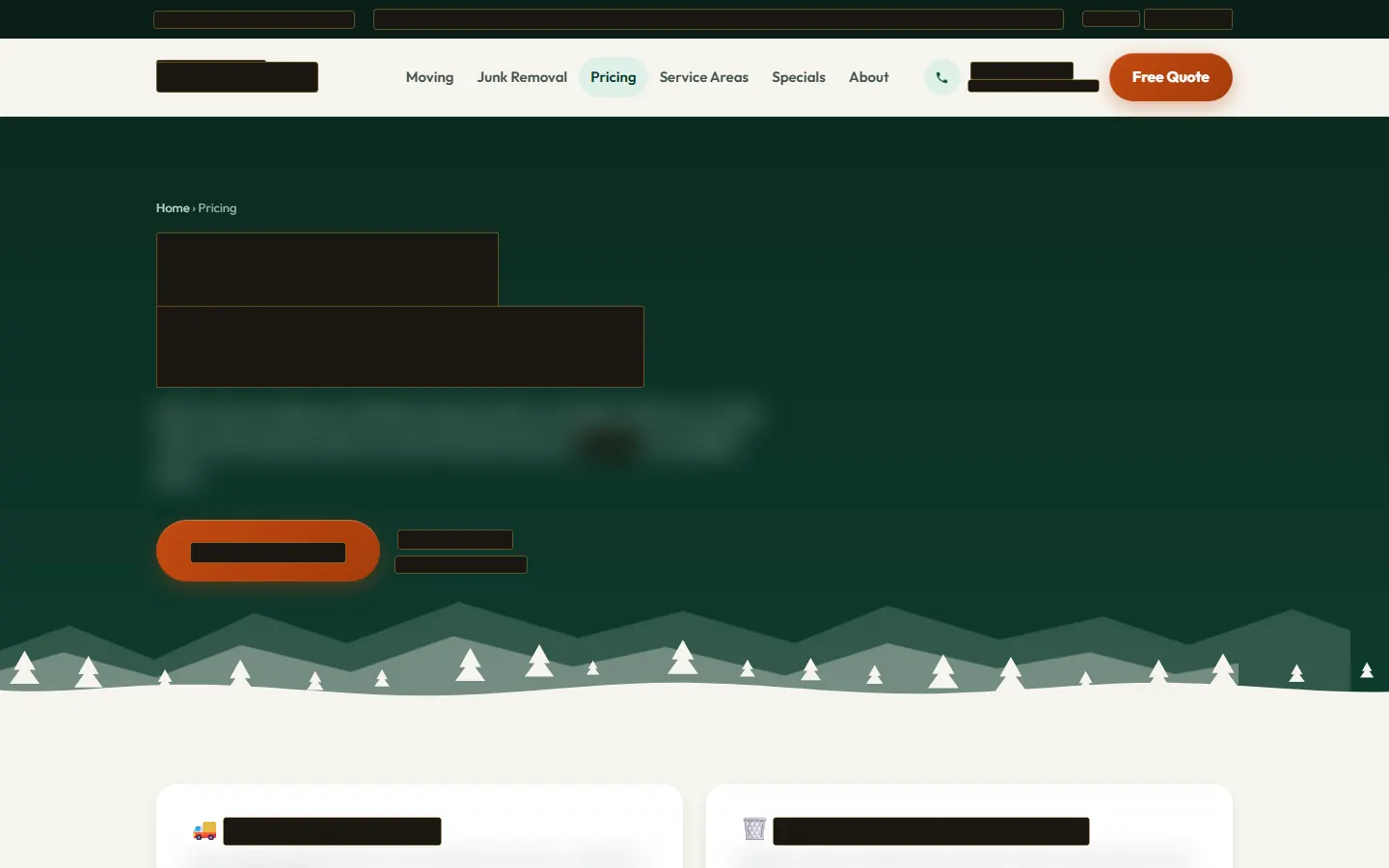
Job 02Moving and junk removal · Seattle area
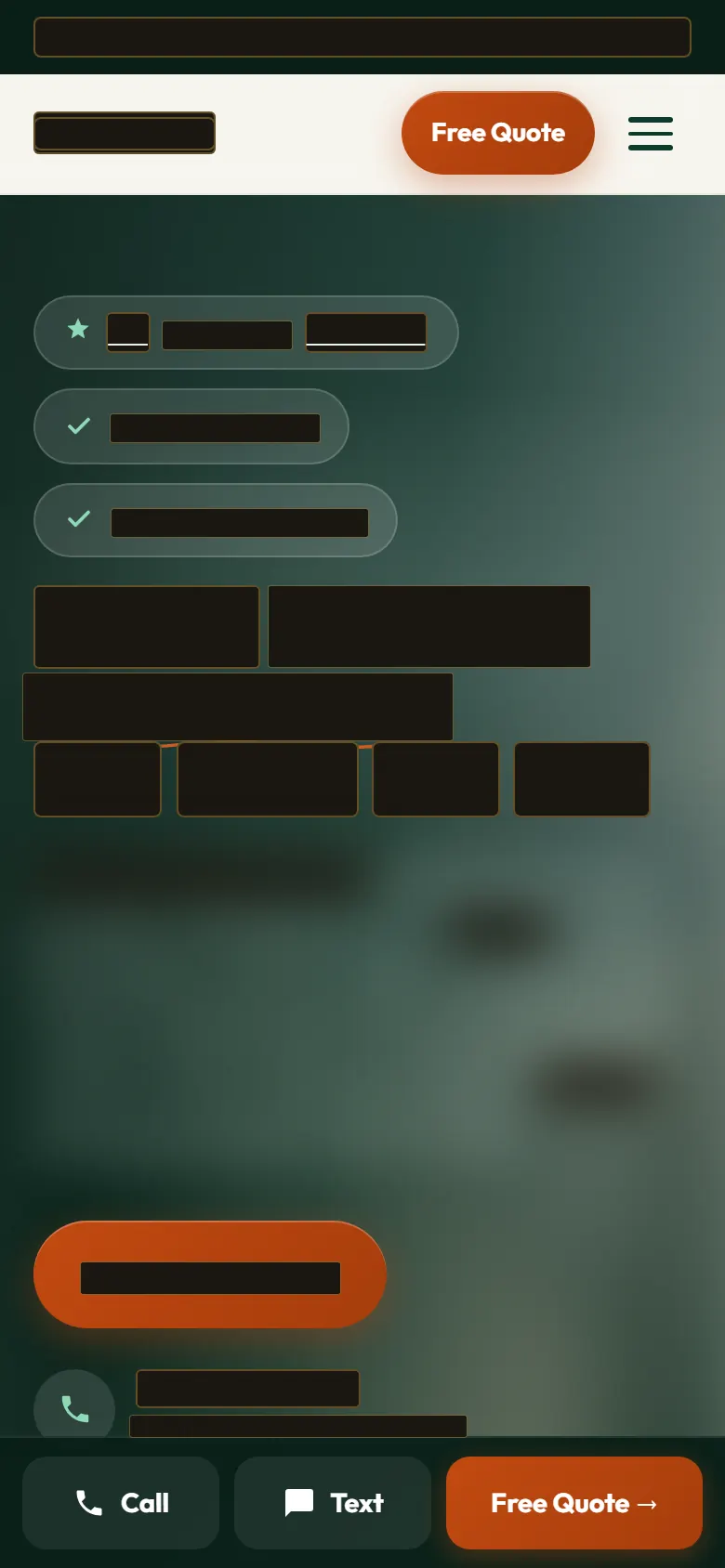
Pricing page of a moving and junk removal company's website, with the business name, phone number, towns, headings and buttons blacked out. (opens a larger copy)

Names and details blacked out or blurred. Tap a screenshot to see it larger.

Call and text alerts from day one

Business
A company we run
Trade
Moving and junk removal
Region
Seattle area

A moving and junk removal company we run, which had nothing online. An alert goes out the moment a new lead comes in, so the company can call back fast.

Said before you ask

What counting cannot do

Counting starts the day it is set up. It cannot count the past.
Not every call can be traced.

A customer who saw your truck and dialed the number from memory will not show up as a call from Google, or from anywhere. Counting also starts the day it is set up, so it cannot tell you about last year.

We make sure every call and form reaches you fast, count every one we can, and mark the ones we can trace with where they came from.

Not part of the deal

  • That every call can be traced
  • Calls to a personal mobile counted
  • A number of calls or leads

Source: Google's guidelines for business listings

Source: Google Ads Help, counting calls from ads. Checked 7 Oct 2026.

Which plan

Counting every call and form is in every plan, from Get Visible (Tier 1) at $3,000 a month. Automatic lead follow-up is in Get Customers (Tier 2) and up. See the plans

Questions

Questions about counting calls

Will a tracking number hurt my Google listing?

It can if it is done carelessly. Google asks for a local phone number on the listing and no numbers that send callers somewhere other than the business. So we decide how calls from the listing are counted business by business, and your real local number stays the same on your listing and your website. How calls to it are counted depends on your phone setup, so we agree that with you.

Can you tell me which calls came from Google?

From the day counting is set up, each call and form is marked with where it came from where we can tell: Google Maps, Google search, your website or an ad. A customer who saw your truck and dialed from memory cannot be traced, and counting cannot measure the months before it was set up.

What happens when I miss a call?

It is still counted, so you can see it and call back. In Get Customers (Tier 2) and up, automatic follow-up sends a fast reply and reminds your team to call back. If you run Google's pay-per-lead ads it matters more: Google says regularly missing calls or messages can affect your ad ranking.

More questions

Free Scan

See how homeowners find you today

Type your website. We will look at where your calls and forms go, whether you can tell which came from Google, your listing and where you show up. Then we email you what we found.

No website yet? Start here.

No logins or passwords. What we find is yours either way.

Or email us at hello@goldclick.co